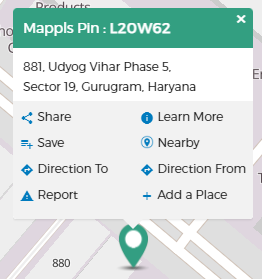
- On your computer, open Mappls Maps and make sure you’re signed in.
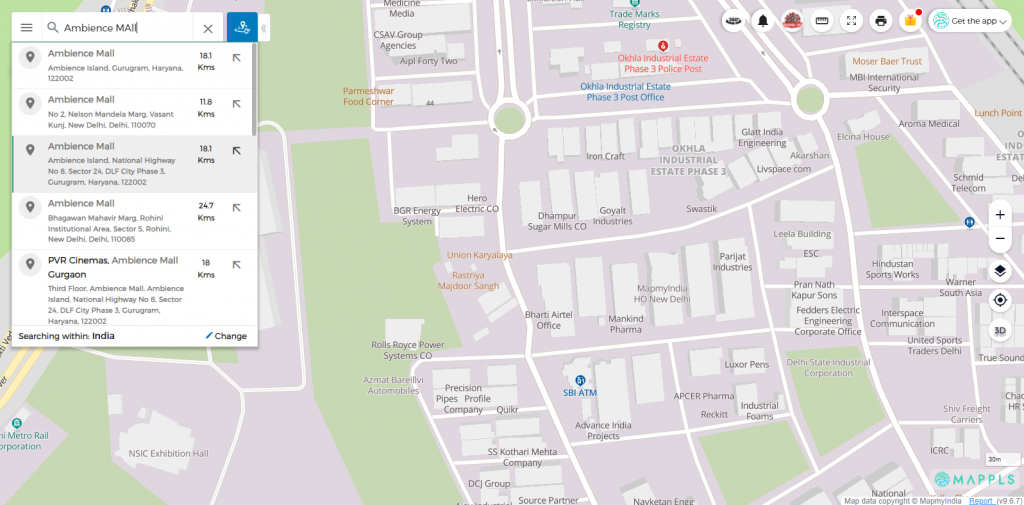
- Search the address of any place in the search bar.
- Left Click on the location marker that appears.
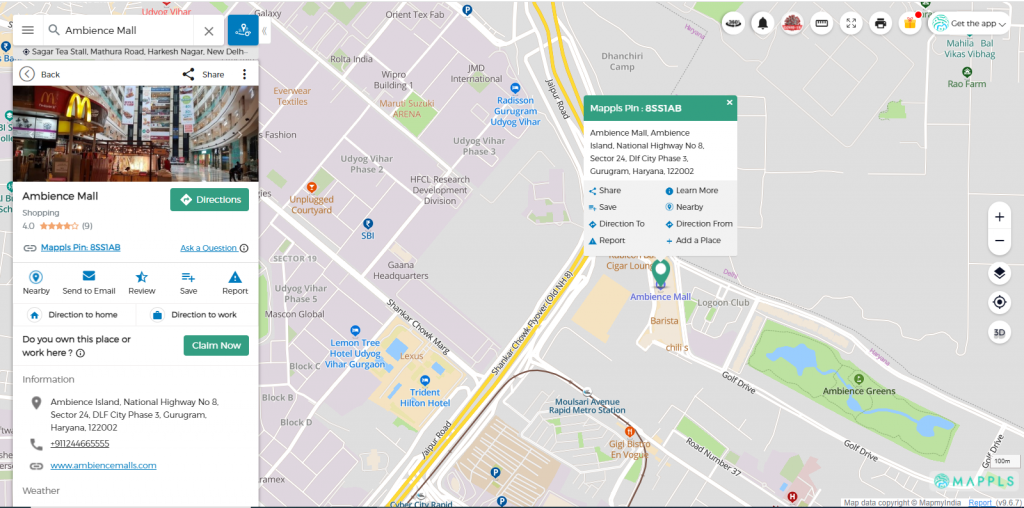
- Click “Add a place” in the pop up box.
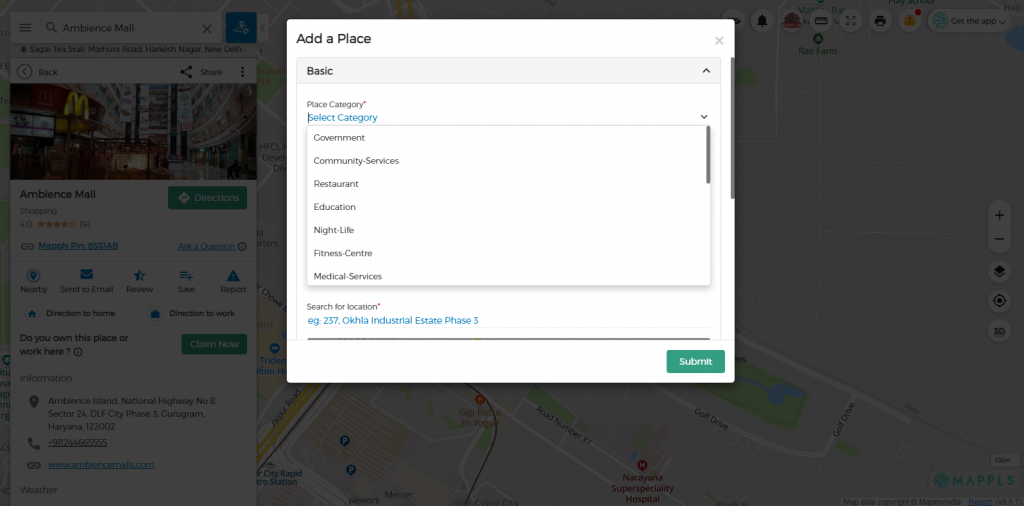
- Choose the category of place. For eg. Residential or Cafe.
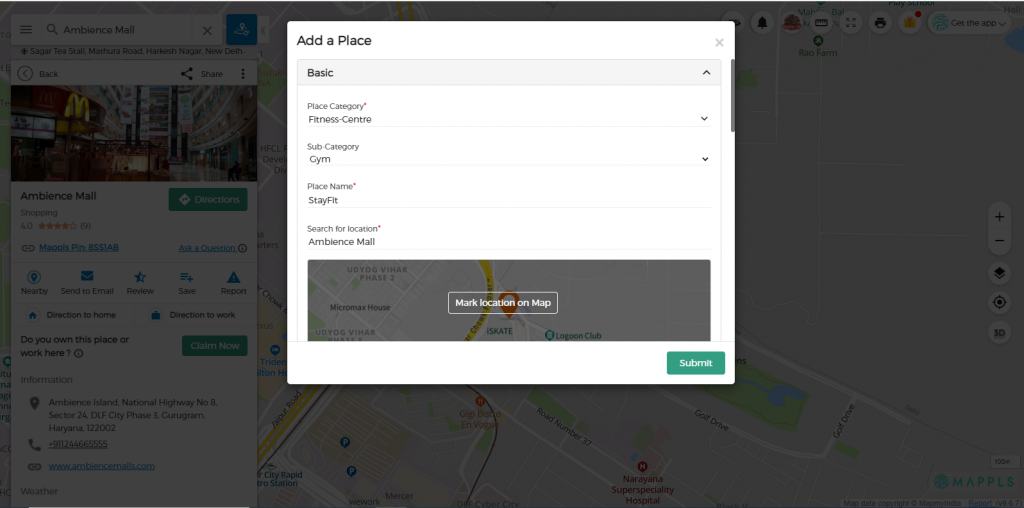
- Name the place you have selected and fill out its location.
- Fill in all the mandatory fields. You can also fill in additional information in the given fields about the place. Click “Submit”.
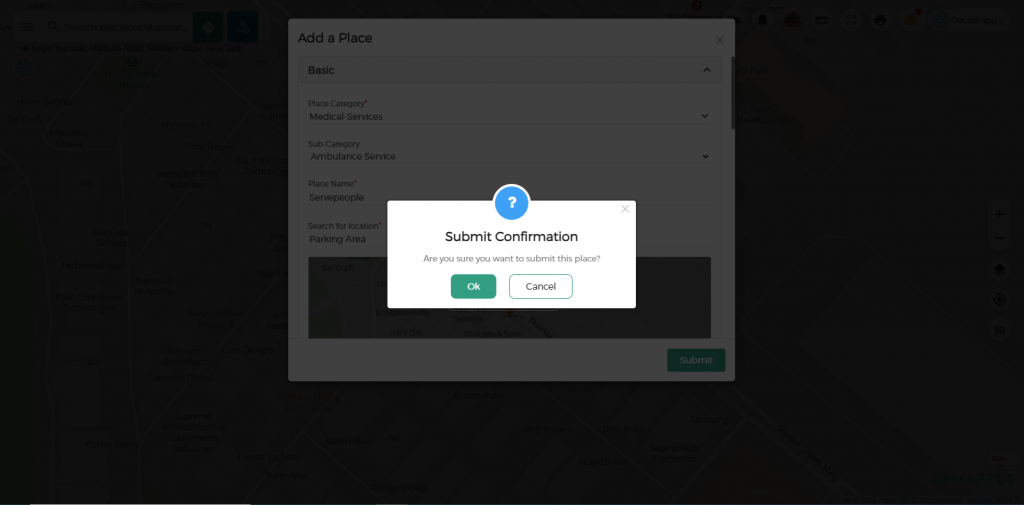
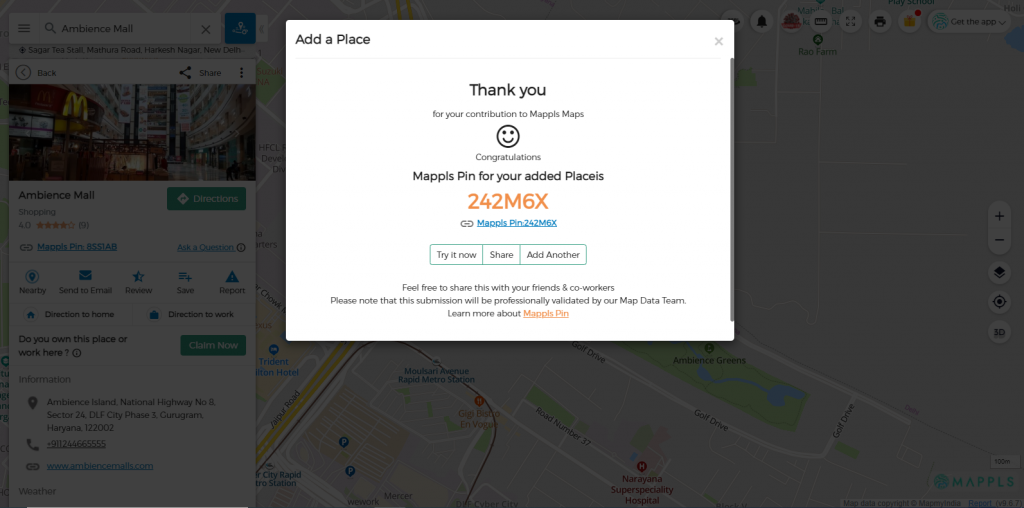
- On clicking “Ok” will add the details of the place to our database and will create a Mappls Pin of the same place.
OR
- On your computer, open Mappls Maps and make sure you’re signed in.
- Right-click on the map, where you want to add a place.
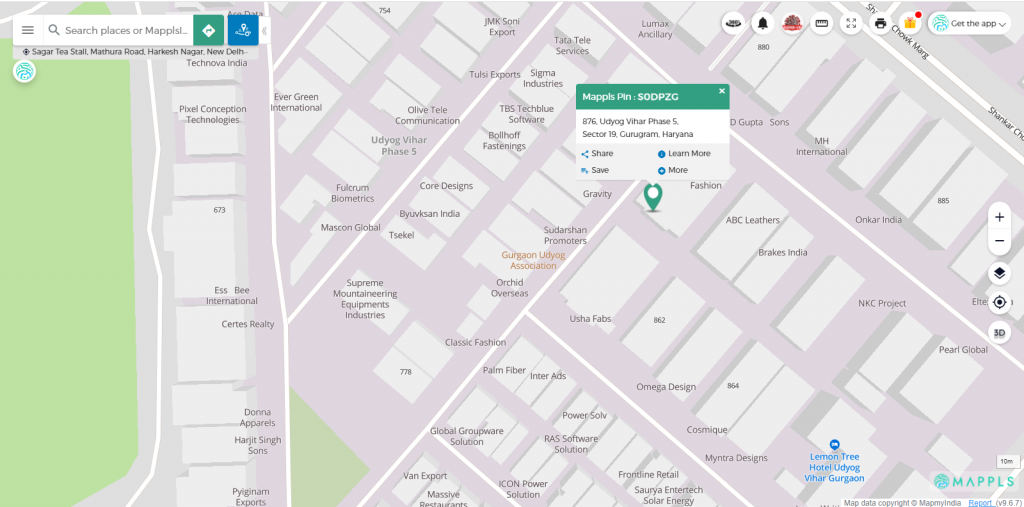
- Click “Add a place” in the pop-up box.